
How to connect the AIR GEAR MiniLinkUpdated 10 days ago
The AIR GEAR MiniLink connects to the gray extension cable that is supplied with most Starlink Minis. It does not connect directly to the Starlink Mini. This cable terminates with a round DC5521 plug.
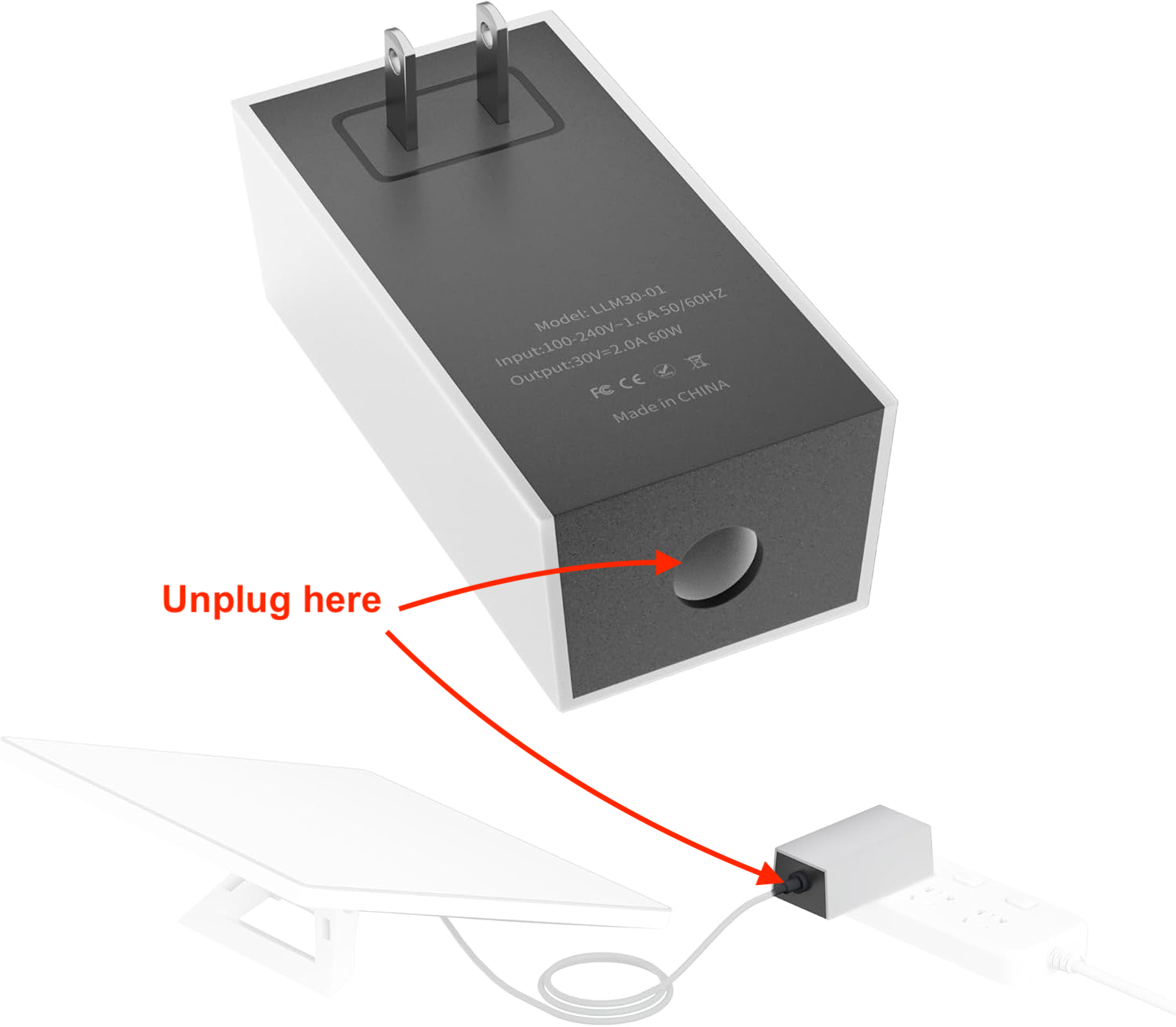
If your Starlink Mini came with only a cable that terminates with a USB-C connector, you'll need to buy another Starlink cable that ends in a round DC5521 plug at both ends. These can be found on Amazon and in the Starlink store.
The other end of the AIR GEAR MiniLink connects to the 7-way cable of the travel trailer.
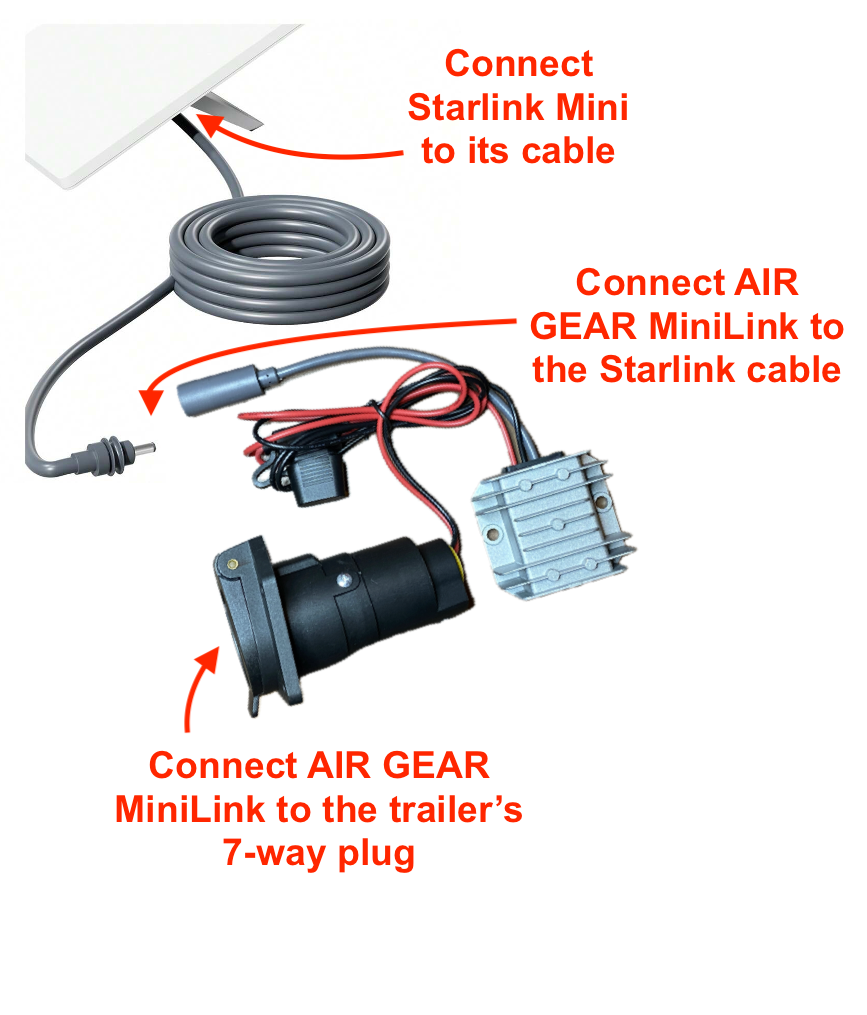
Once connected, the blue indicator light on the back of the Starlink should go on. If you need further assistance, please read this Help Center article.
Connecting to trucks and cars
The AIR GEAR MiniLink can only connect to a trailer's 7-way plug. The trailer's 7-way connector is a male plug end.
MiniLink cannot connect to a truck's 7-way plug, because the truck's 7-way connector is female. For connecting to a truck or car, we recommend a "cigarette lighter" adapter with a built-in DC-DC boost converter. These are readily available on Amazon.com.