Using the USB-C port to temporarily power AIRLoqUpdated 5 months ago
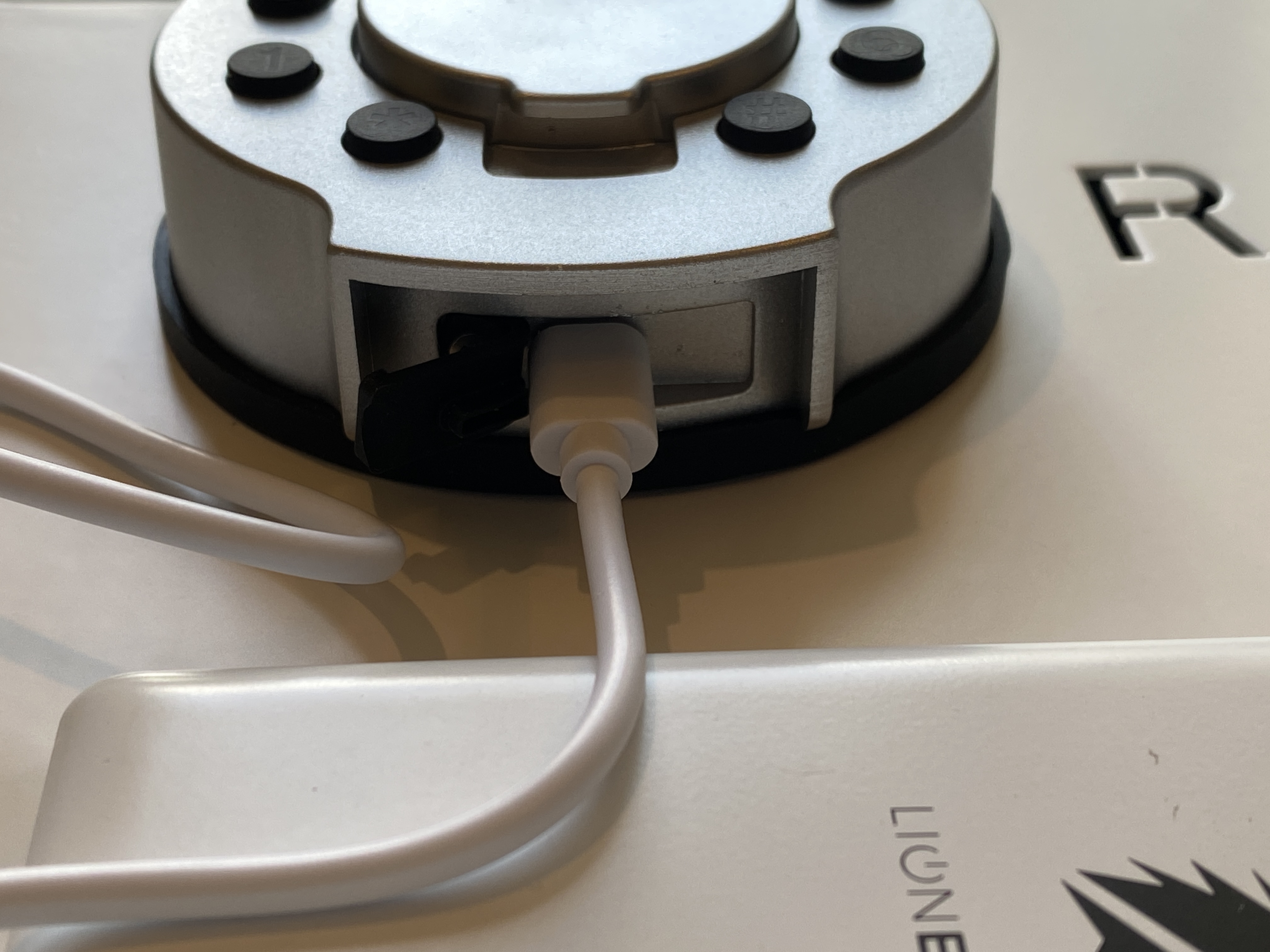
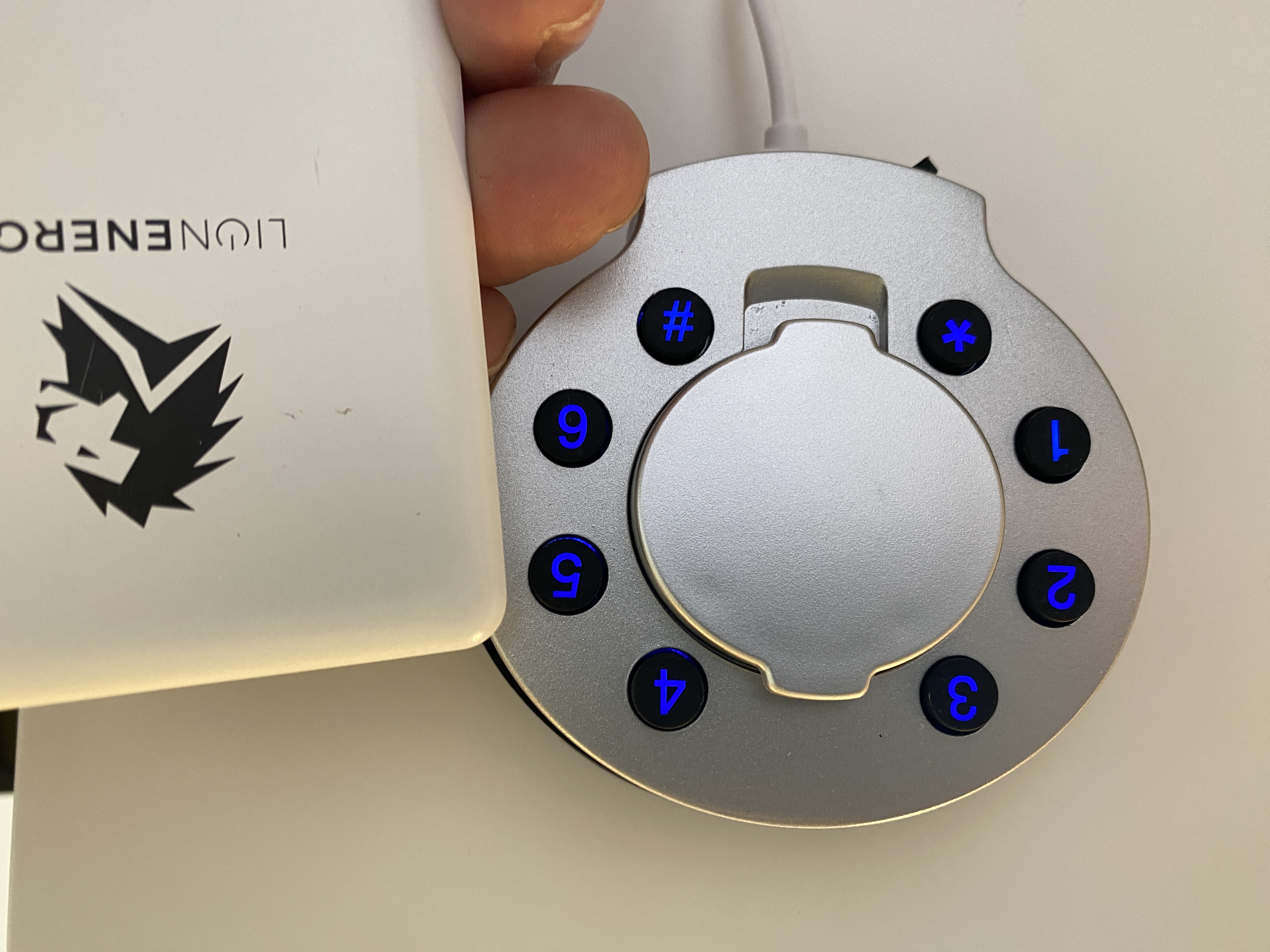
If the AA batteries are dead in AIRLoq, you can temporarily power it with any portable power bank and a USB-C cable. See the photos below for details.
Simply pry off the rubber cover at the bottom of AIRLoq to expose the USB-C port. Plug in a charged power bank, and make sure the power bank is turned on. You should be able to unlock AIRLoq now.
Be sure to replace all 4 AA batteries immediately with new batteries. Don't mix old and new batteries.
If AIRLoq flashes red/blue when locking, that's a warning that the batteries are low and should be replaced at the first opportunity.